GregTech: New Horizons Playthrough
GregTech: New Horizons (GTNH) is an expert-level Minecraft modpack, known as one of the hardest modpacks out there. With deep tech progression and complex crafting chains, completing it can take years.
I have been playing GTNH since 2021. As of 2025-10-08, I have played for 3000 hours, and here's my journey so far.
Since I began keeping notes in the IV Age, I’ll briefly summarize the earlier stages first.
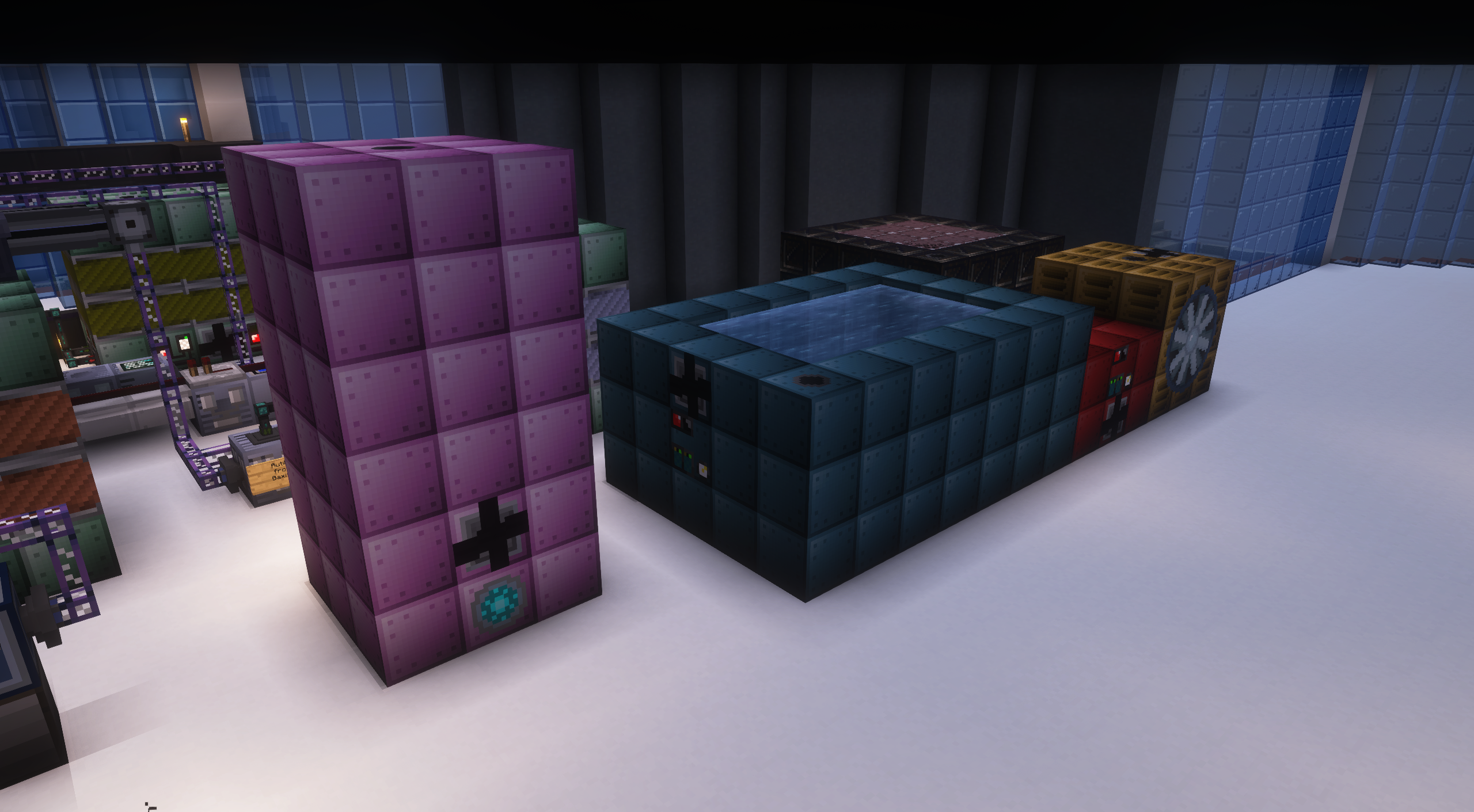
ULV to MV Tier
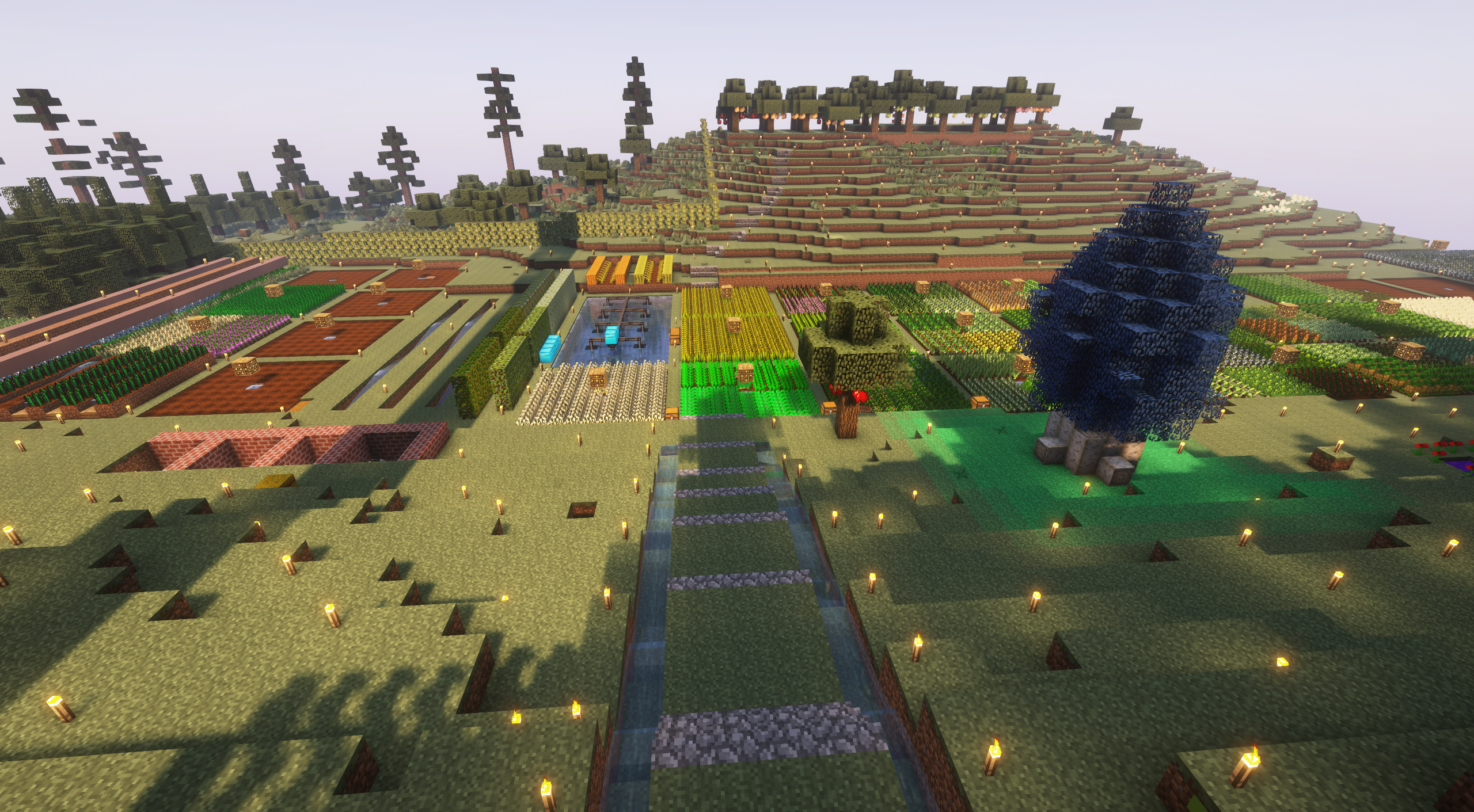
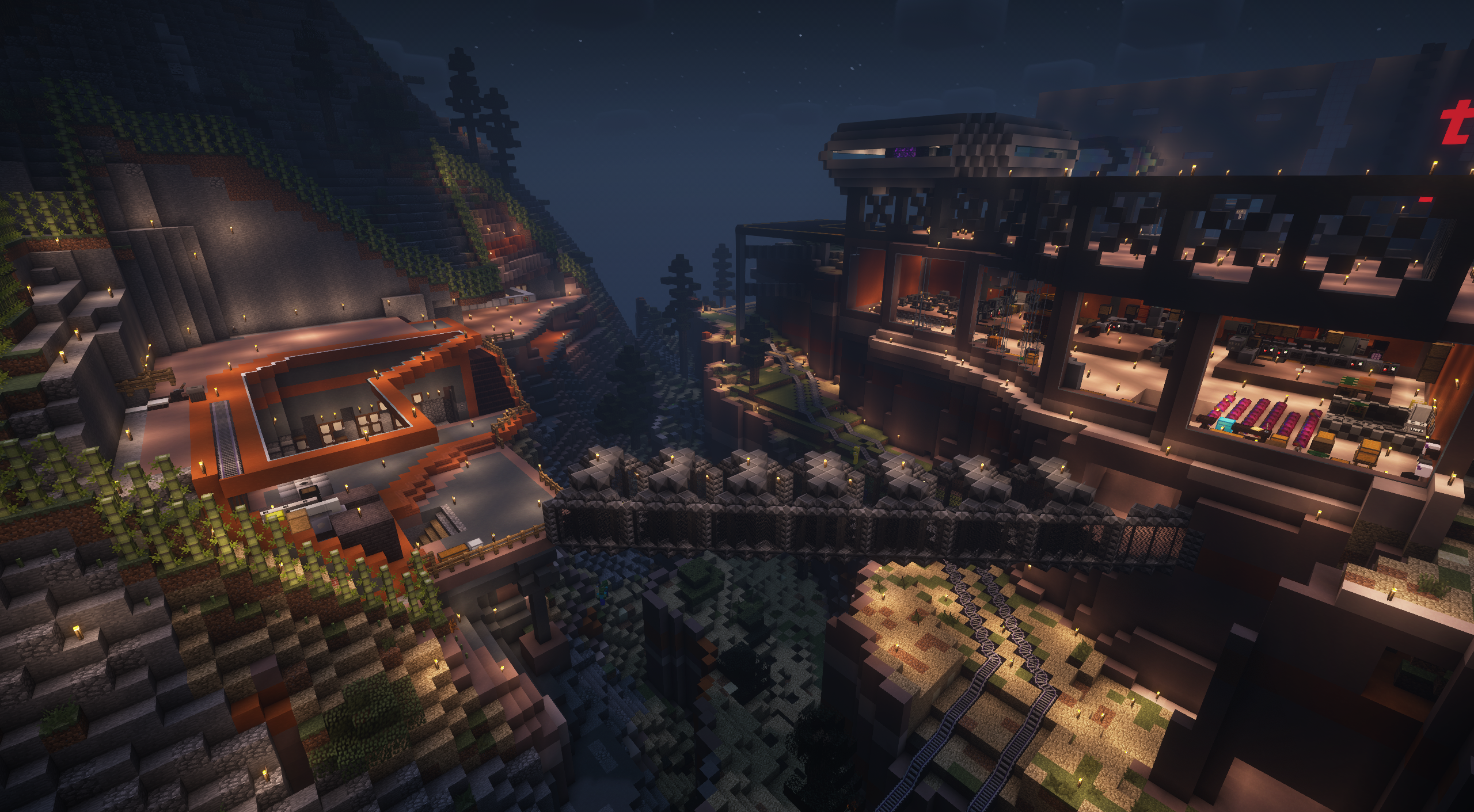
Tom, Sergio, and me, starting from a dirt house in the Stone Age and building up through Steam and MV tiers in our Canyon biome base.
Continue reading on the dedicated ULV to MV Tier page.
HV & EV Tier
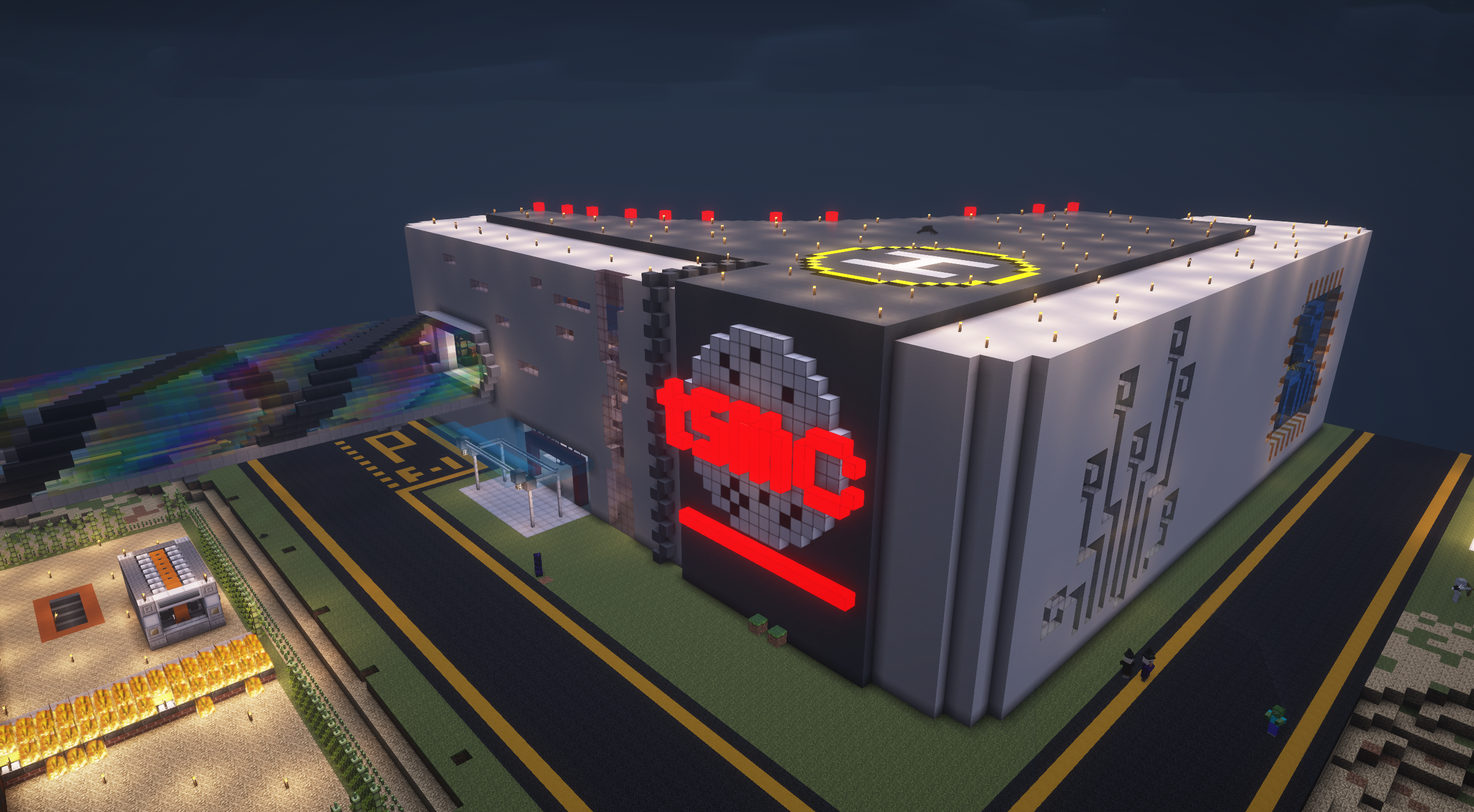
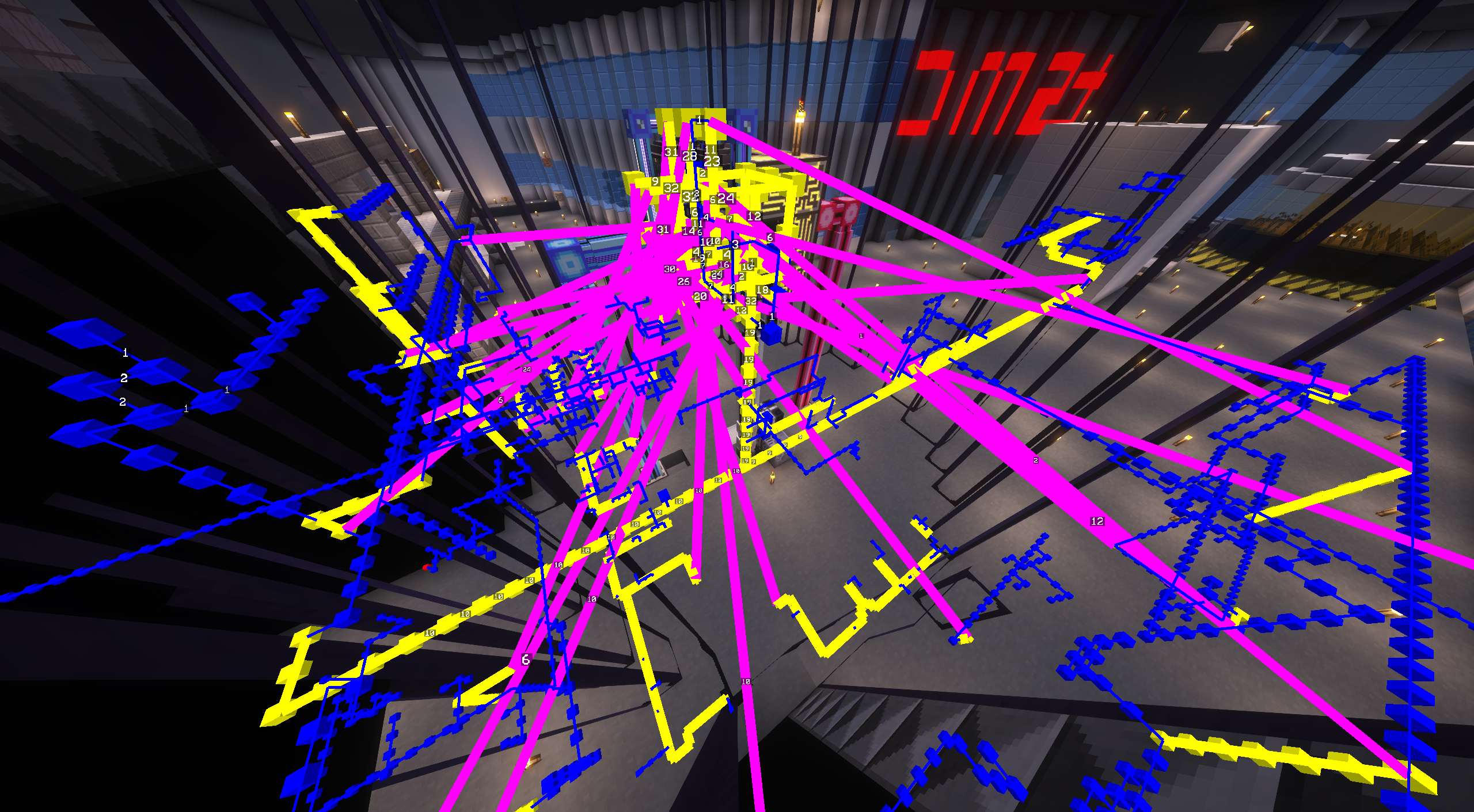
The four-story TSMC building where most of our progress happened, first EBF, fully automated circuits, first rocket to the moon, and unlocking AE2.
- Production Lines — Multiblock benzene production and passive plastic circuit board automation
- AE2 Automation — The AE Controller backbone handling hundreds of channels, plus single-block AE2 machines
- Chemical Processing — Large Chemical Reactors producing essential chemical ingredients
Continue reading on the dedicated HV & EV Tier page.
IV Tier
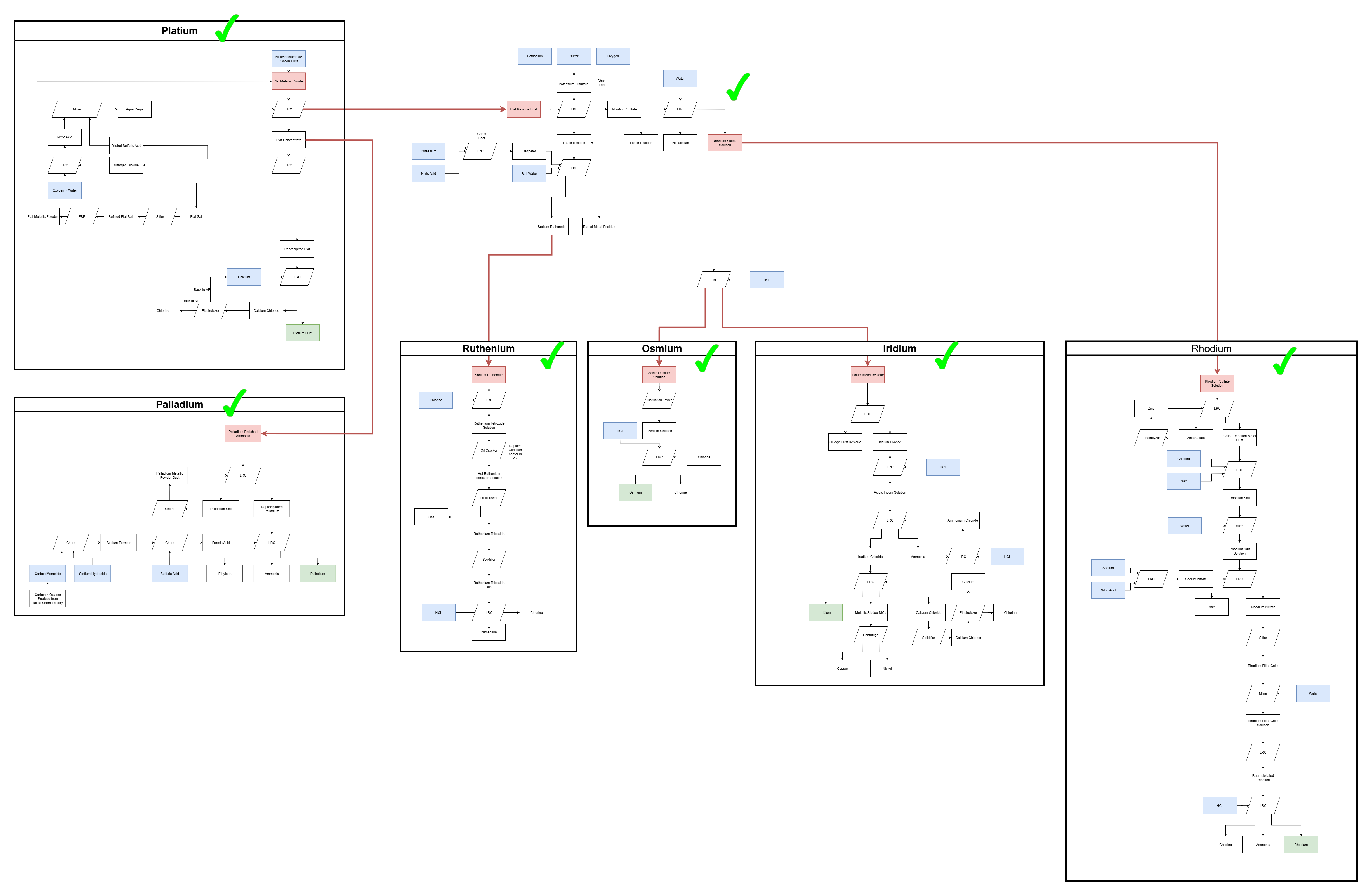
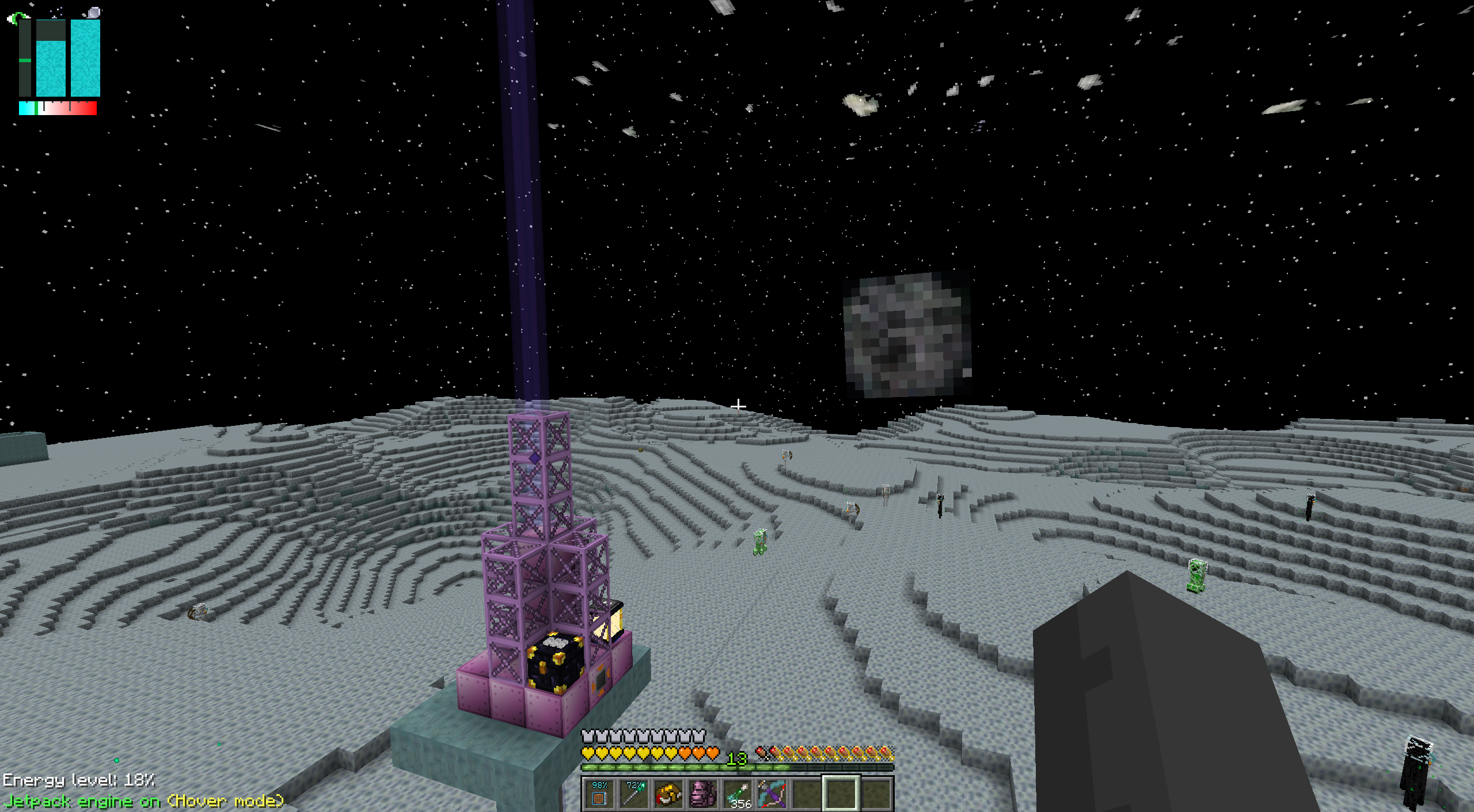 IV is acknowledged as the hardest tier in GTNH. We must face the super duper complex Platinum Processing Line. This tier also introduces many multiblock machines, so the whole base needed to be reworked.
- Power Generation — Cetane diesel and benzene, with a Large Gas Turbine setup fed by an 11×11 EnderIO tree farm
- Ore Processing — Multiblock ore processing fully automated with AE2
- Platinum Line — The notorious bottleneck, with separation flows for Platinum, Palladium, Osmium, and Iridium
- Polybenzimidazole (PBI) — On-demand AE auto-crafting of PBI for space exploration gear
- Tier-3 Rocket and Ceres — Tier-3 rocket, Dense Hydrazine Fuel from a Tier-5 chemical plant, and PBI thermal clothing to land on Ceres for Naquada
- New Cleanroom and Quantum Circuits — A scaled-up cleanroom with proper AE automation for the next circuit tier
- Assemblyline — The most expensive thing I ever crafted.
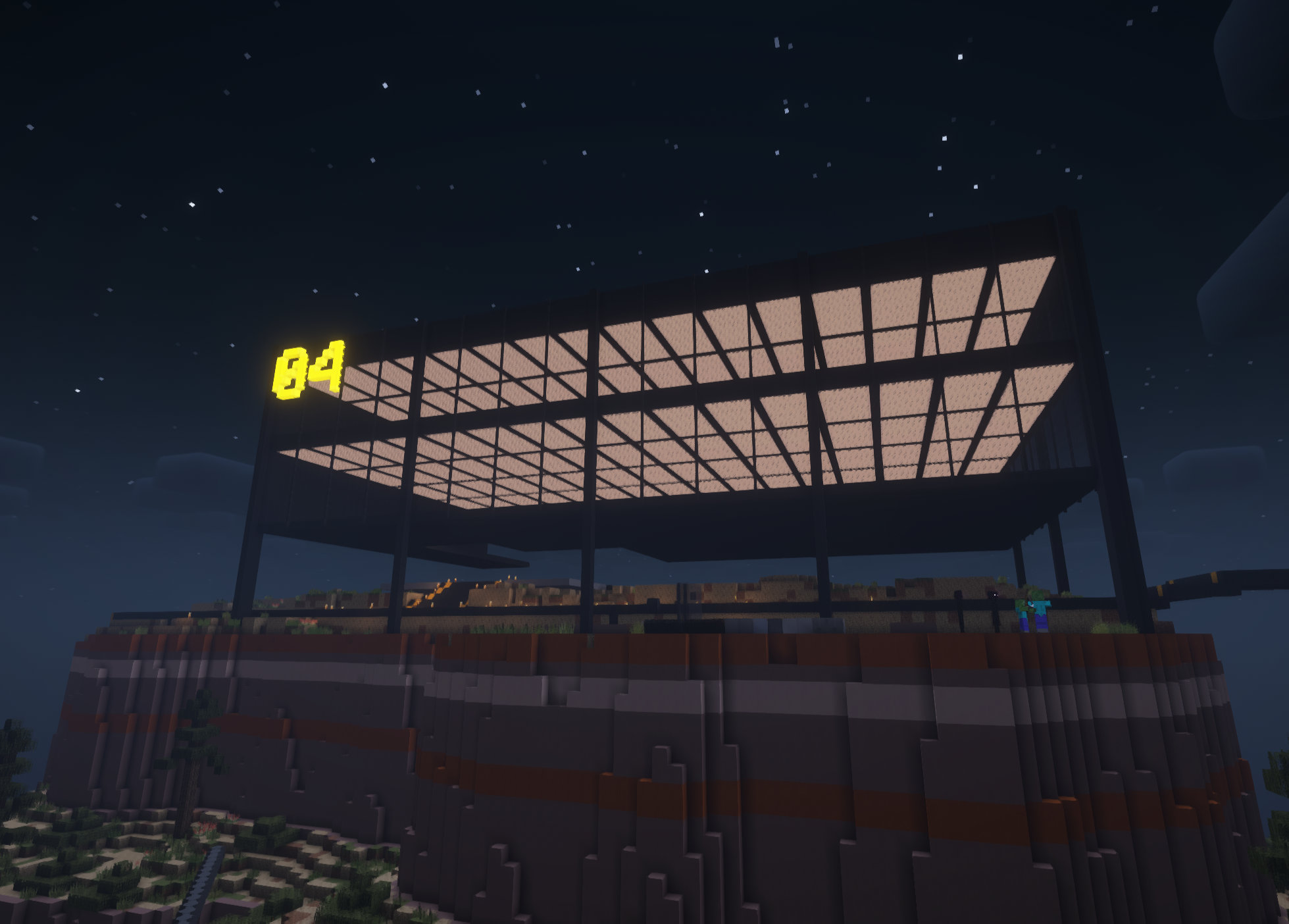
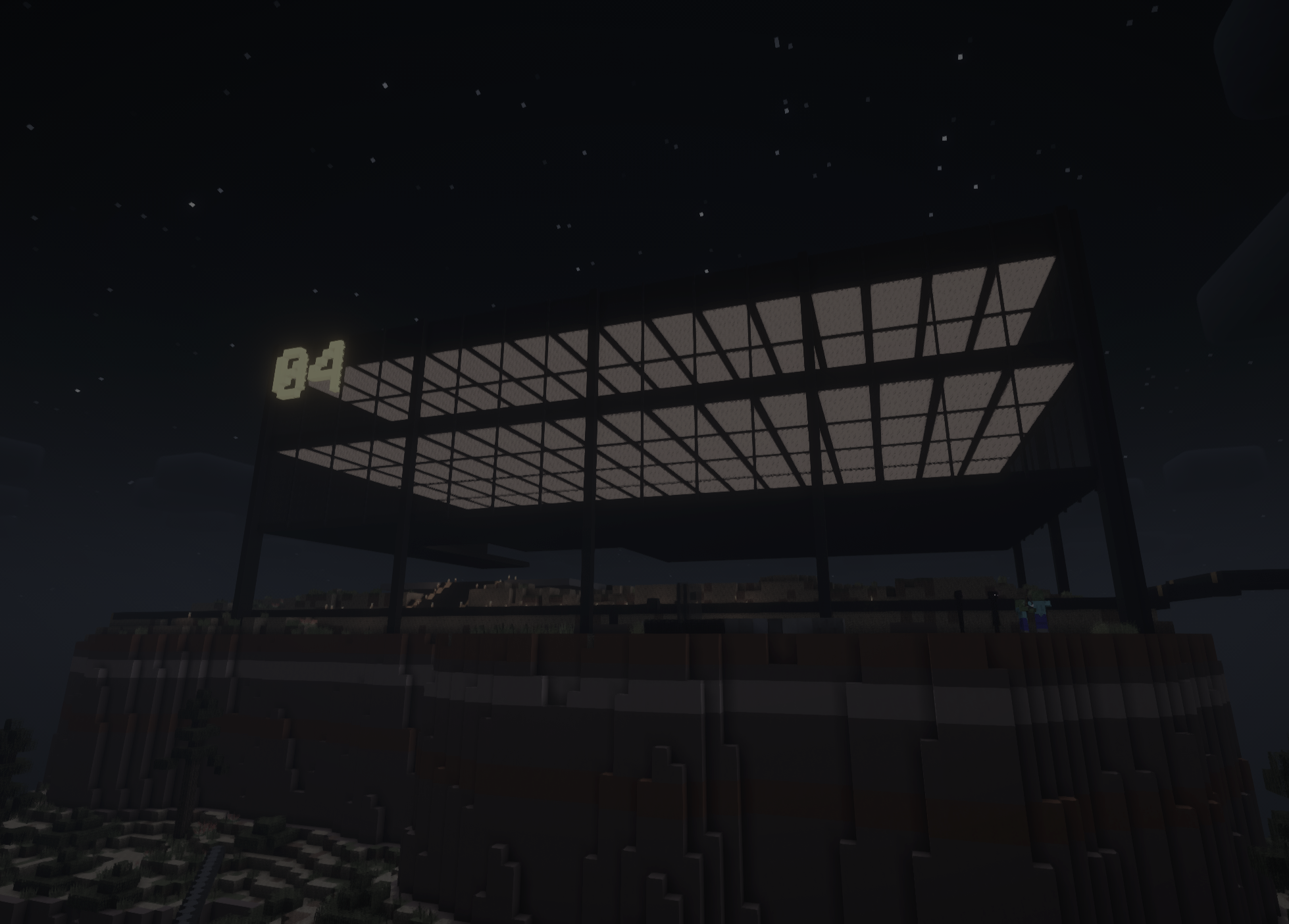
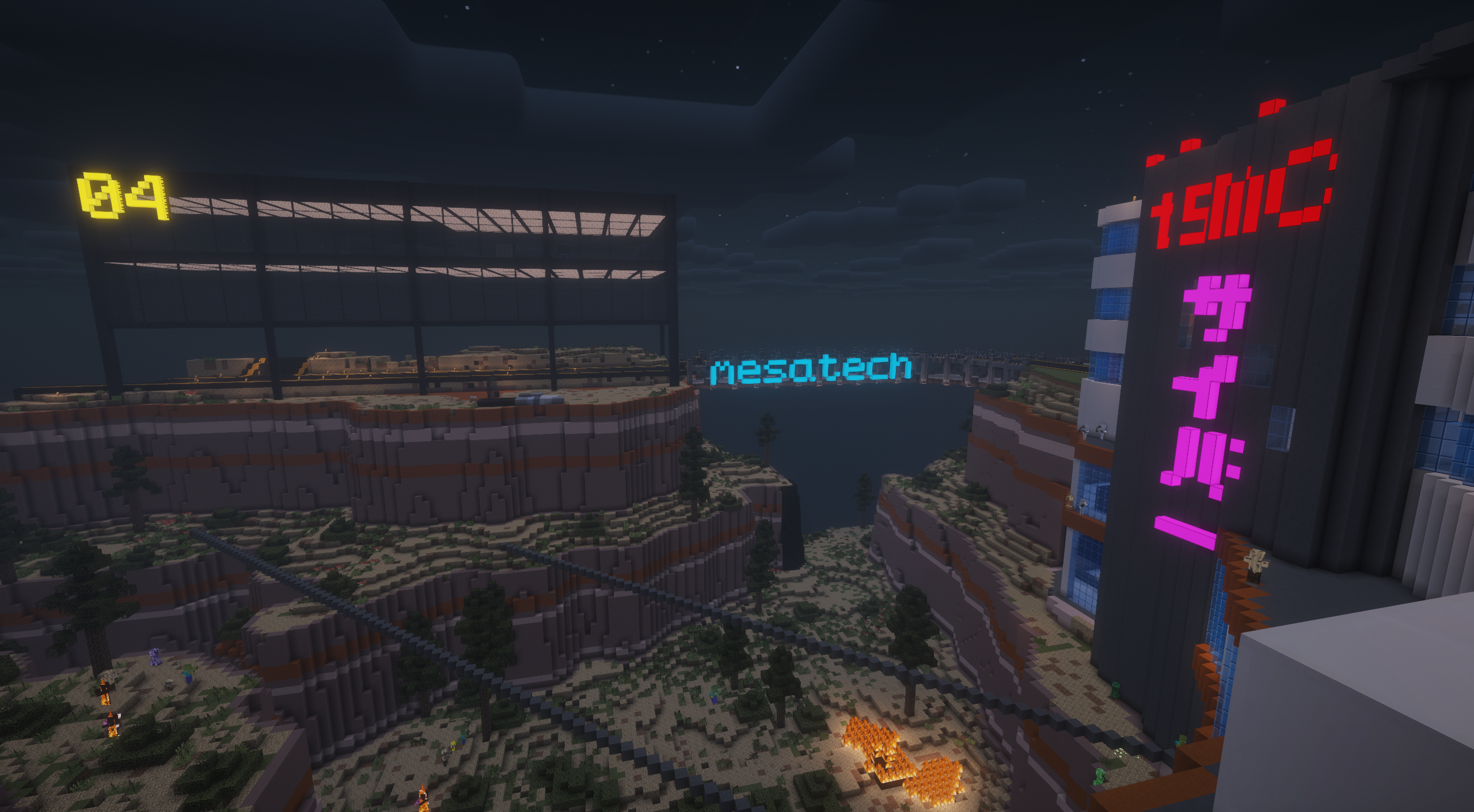
- Buildings — “04” Industrial Center for Luv preparation
Continue reading on the dedicated IV Tier page.
LUV Tier
 Starting from LUV, the playstyle changes drastically, most single-block machines are replaced with large multiblocks, and the first fusion reactor is on the horizon.
- QoL Tools — Traveller's Tool Belt, Universal Wireless Terminal, Vajar (instant silk-touch mining), Quantum Suit, and Wireless Charger MK IV with 8 km range
- Multiblock Machines — Industrial Cutting Factory, Mixing Machine, Extrusion Machine, Material Press (Forming & Bending), Wire Factory, and Large Electric Compressor replacing single-block equivalents
- Circuit Manufacturing — Hyper-Intensity Laser Engraver and four more IV Circuit Assemblers, fully AE2 autocrafted
- Buildings — Seagram Building–inspired rebuild of the "04" Industrial Center: no unnecessary decoration, just structure and materials
Continue reading on the dedicated LUV Tier page.
Hosting
After migrating to React2Shell, reconfiguring my services became a major chore, especially GregTech: New Horizons (GTNH). Manually managing Java versions, server packs, world backups, and whitelist/permission settings quickly became exhausting, particularly given how frequently the community updates the modpack.
I decided to Dockerize the server using the itzg/minecraft-server image, putting the entire setup into a single docker-compose.yml file. Now, instead of going through a lengthy manual setup, I can deploy or update the server with a single command.
This Docker Compose configuration allows me to:
-
Download my world backup from the cloud on deployment and persist it across restarts
-
Automatically whitelist and grant OP permissions to myself
-
Run GTNH on port
25566forgtnh.donchong.top(I reserve25565for vanilla) -
Apply server utility configurations at deployment time, enabling chunk loading
-
Automatically confirm FML prompts when loading a world, which is required every time the pack is updated
services:
  mc:
    # make sure this java version matches with pack java version
    image: itzg/minecraft-server:java25
    tty: true
    stdin_open: true
    ports:
      - "25566:25566"
    environment:
      WORLD: https://filedn.com/lvpQyX5dxsK7TR0Vaa6Pr1k/docker_use/gtnh_backups/gtnh_world_latest.zip
      EULA: "TRUE"
      TYPE: CUSTOM
      GENERIC_PACKS: GT_New_Horizons_2.8.4_Server_Java_17-25
      GENERIC_PACKS_SUFFIX: .zip
      GENERIC_PACKS_PREFIX: https://downloads.gtnewhorizons.com/ServerPacks/
      # if this isn't true, then the container tries to download the modpack every run
      SKIP_GENERIC_PACK_UPDATE_CHECK: "true"
      MEMORY: 6G
      # Make sure that this matches what is in your pack's startserver bash file
      JVM_OPTS: "-Dfml.readTimeout=180 -Dfml.queryResult=confirm @java9args.txt"
      # You may choose to instead download a specific jar version yourself, and change this value to the local jar.
      # Refer to https://docker-minecraft-server.readthedocs.io/en/latest/configuration/misc-options/#running-with-a-custom-server-jar
      CUSTOM_SERVER: "https://github.com/GTNewHorizons/lwjgl3ify/releases/download/2.1.16/lwjgl3ify-2.1.16-forgePatches.jar"
      # Set server.properties according to GTNH server defaults
      MOTD: "GT:New Horizons 2.8.4"
      DIFFICULTY: "hard"
      ENABLE_COMMAND_BLOCK: "true"
      SPAWN_PROTECTION: 1
      VIEW_DISTANCE: 12
      MODE: 0
      LEVEL_TYPE: "rwg"
      ALLOW_FLIGHT: "TRUE"
      SERVER_PORT: 25566
      LEVEL: "world"
      WHITELIST: |
        VVa1nut
      OPS: |
        VVa1nut
      APPLY_EXTRA_FILES: |
        serverutilities<https://filedn.com/lvpQyX5dxsK7TR0Vaa6Pr1k/docker_use/gtnh_backups/serverutilities.cfg
    volumes:
      # attach a managed volume, change to a relative or absolute host directory if needed
      - ./data:/data